Know whose signature it is, and why.
Compare the signature on a signed document with an ID, a licence or an earlier contract. Get a similarity score, a clear pass, review or fail, and a PDF report you can file. All of it runs on your own machine.
- Scans, phone photos and PDFs
- Pages in any order
- English and Arabic captions
- Confidence reported separately from similarity


See the whole product in six minutes.
A guided tour from creating a signature map to the API, narrated and set to music. Pick a chapter or watch it straight through.
In the film
- The idea in one signature
- What SignatureVerify does
- Three steps to a decision
- Creating a signature map
- Alternative places and variations
- Verifying a single document
- Several signatures on one document
- Strict, moderate and lenient modes
- Packages and batches
- Review, field checks and pre-flight
- API and integrations
- Enterprise and local-only processing
From two documents to a decision in three steps.
Click a step to see what happens. The tour moves on by itself, so you can also just watch.
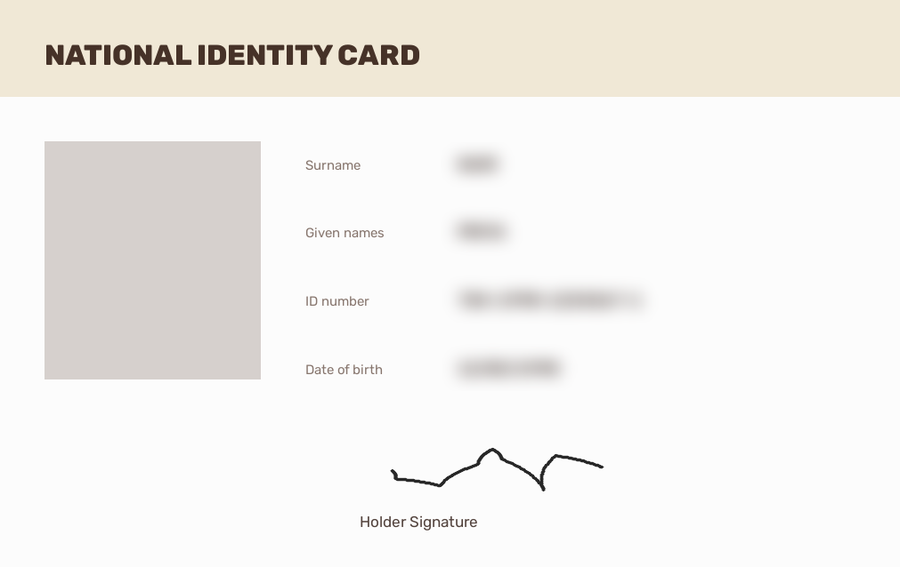
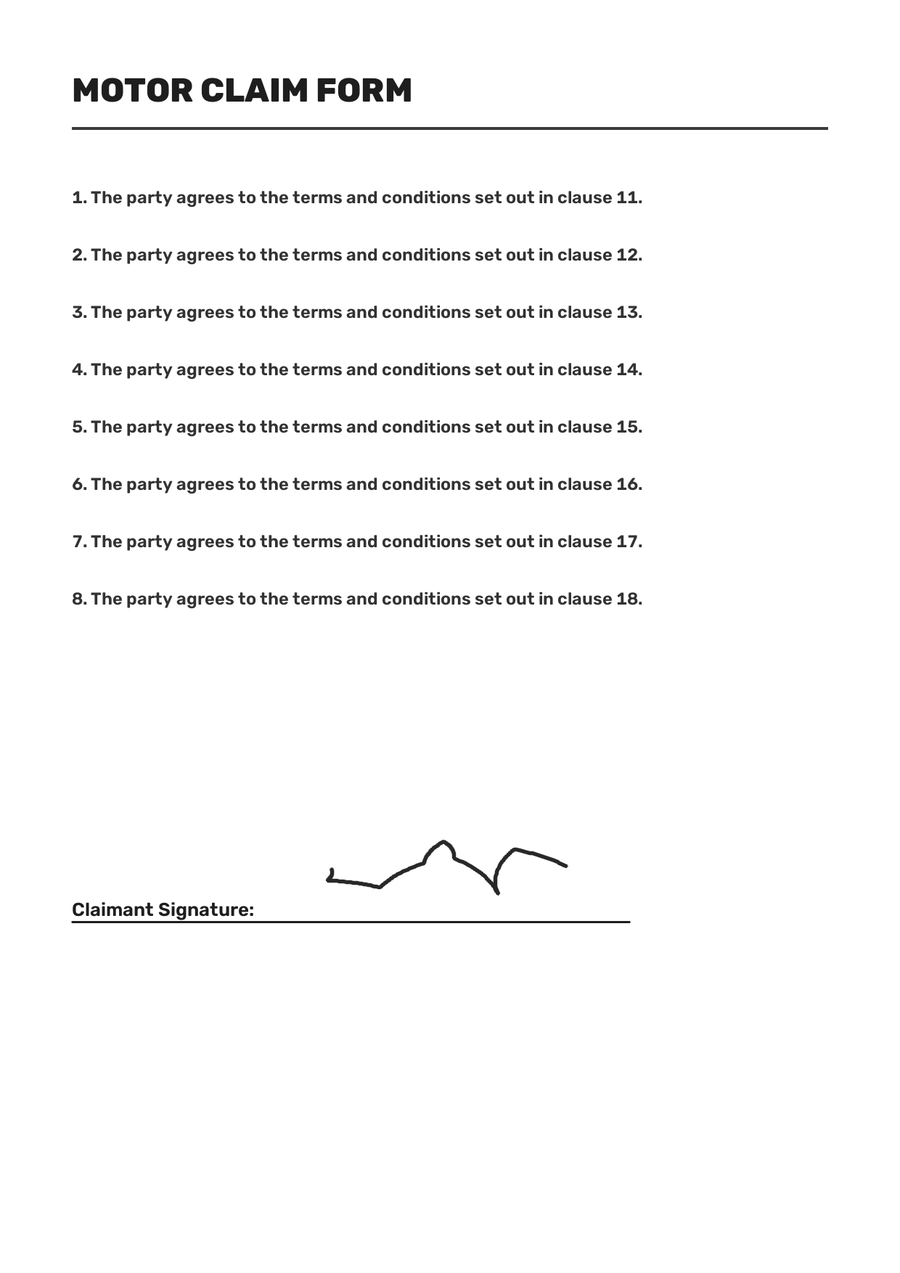
Overall decision
✓ PassSame score, different appetite for risk.
Pick a real sample from the product’s test set, then switch the mode. The score stays put; the decision follows your thresholds.
At or above the pass mark.
Everything between “uploaded” and “decided”.
Flip a card to see how each part works. Tap, click, or press Enter on a focused card.
Describe where signatures live, once.
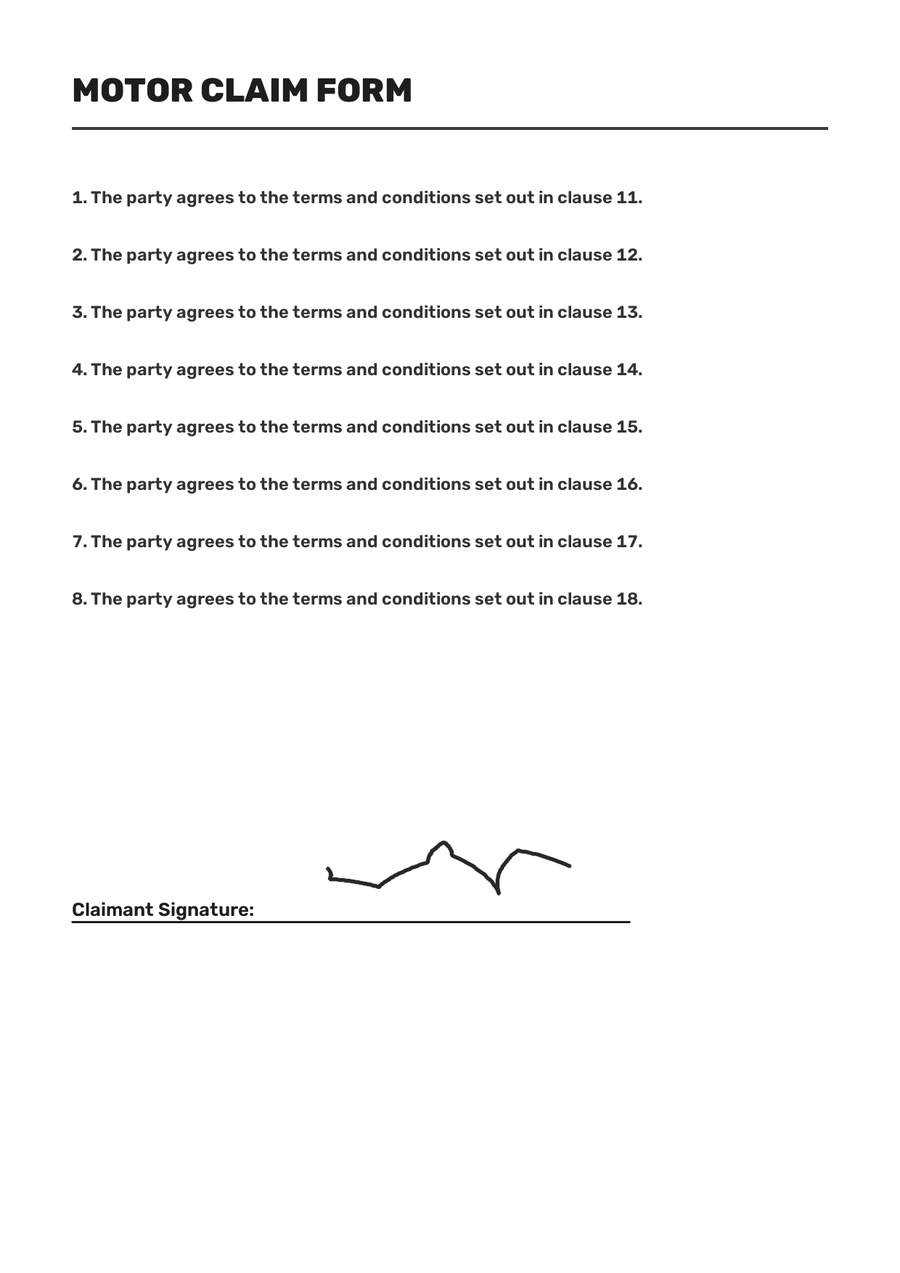
A map tells SignatureVerify where to look on a type of document. Regions are stored as fractions of the page, so scan resolution and paper size do not move them.
One document, many signatures, whole files.
Check a single document, a contract with several signers, a set of documents against one ID, or five hundred at a time.
Single document verification
Choose the kind of ID, upload it, choose the kind of document, upload it, pick a mode and compare. Pages are straightened, cropped and scaled; printed text is removed; the signature is found wherever it hides.
- Similarity score, decision and confidence, each reported on its own
- The two signatures side by side with the reasons behind the score
- Scan pre-flight warns about blur, glare, shadow and cut-off signatures
- A PDF report in English, Arabic or both
- Optional extras you can switch off: AI document check and field validation
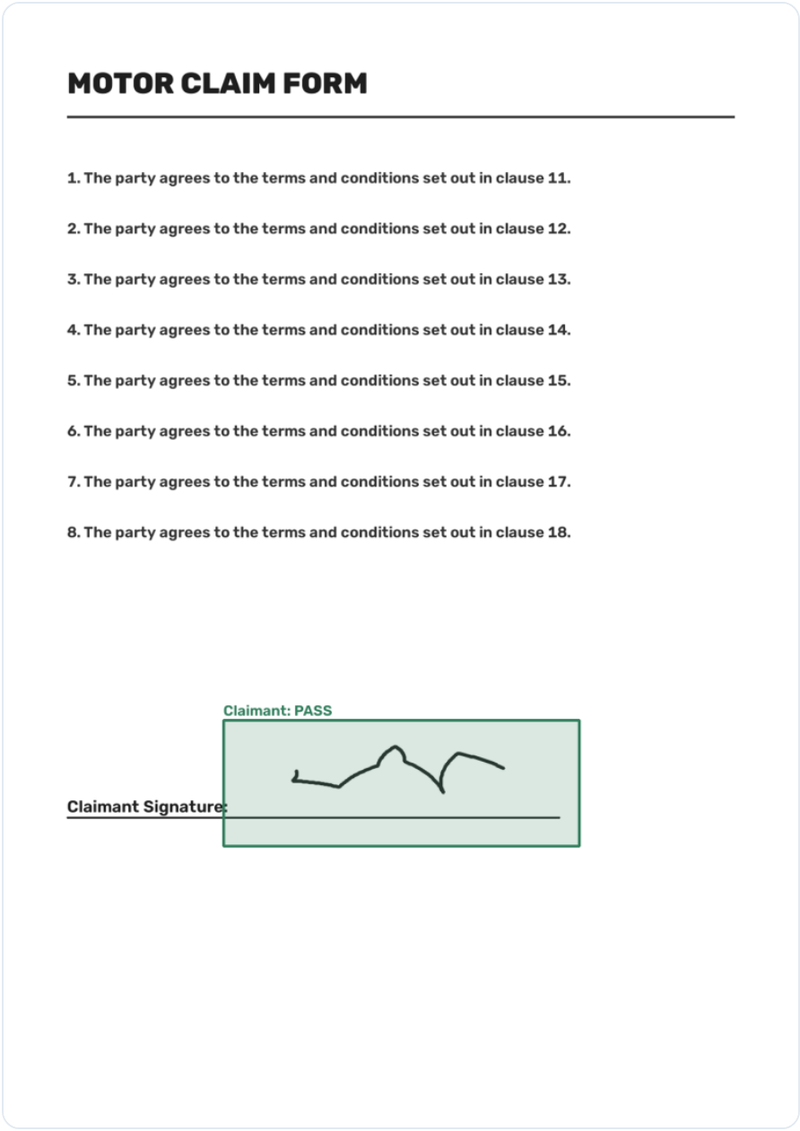
One document, several signatures
Define a location for each signer: claimant, witness, guarantor. Each one is found, scored and decided on its own. The document’s overall result follows the weakest required signature, so one doubtful mark can never hide behind a good one.
- Per-location settings: required or optional, page by number, keyword or scan
- Different signer roles per location
- Alternative places: only the one that is signed counts
- Multi-page documents in any page order
Packages: several documents, one ID
Check several documents against one ID. The ID is read once, every document gets its own score, decision and report, and the set gets one package score: the weakest document’s.
- Any failed document fails the package
- A document that could not be assessed sends the package to review
- A combined PDF: package summary, then each document’s report
POST /api/v1/packagesfor your own systems
0Pass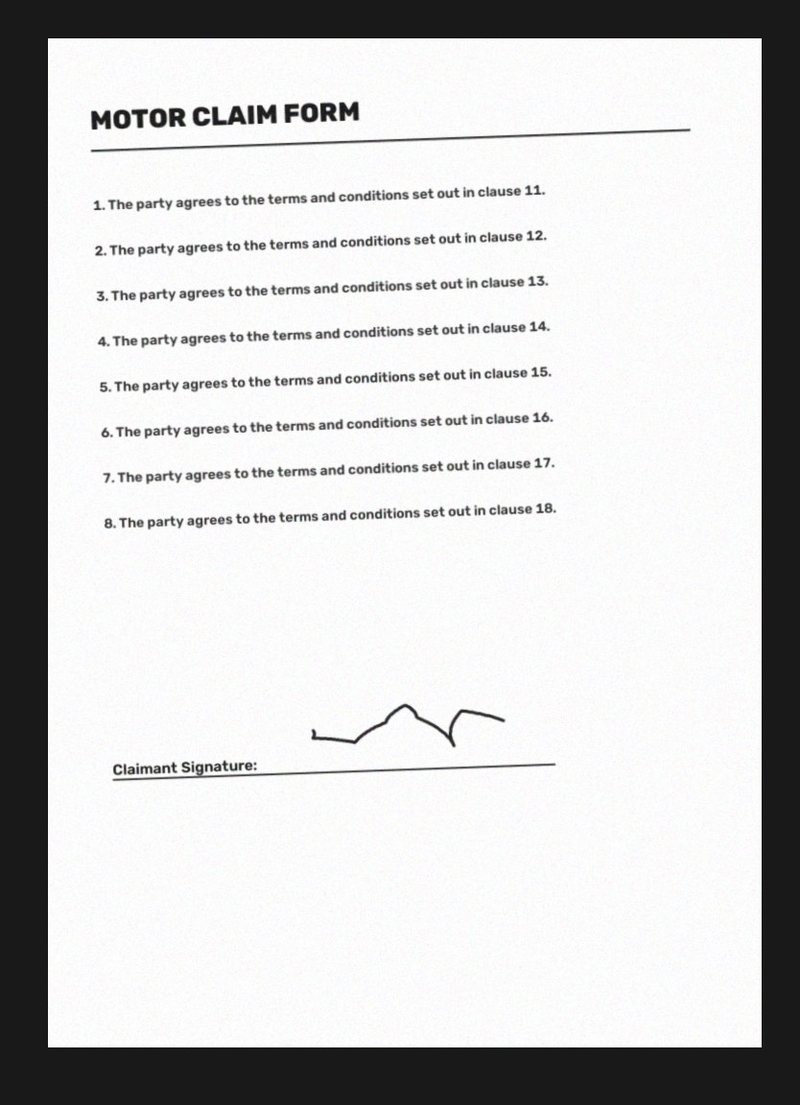 0Pass
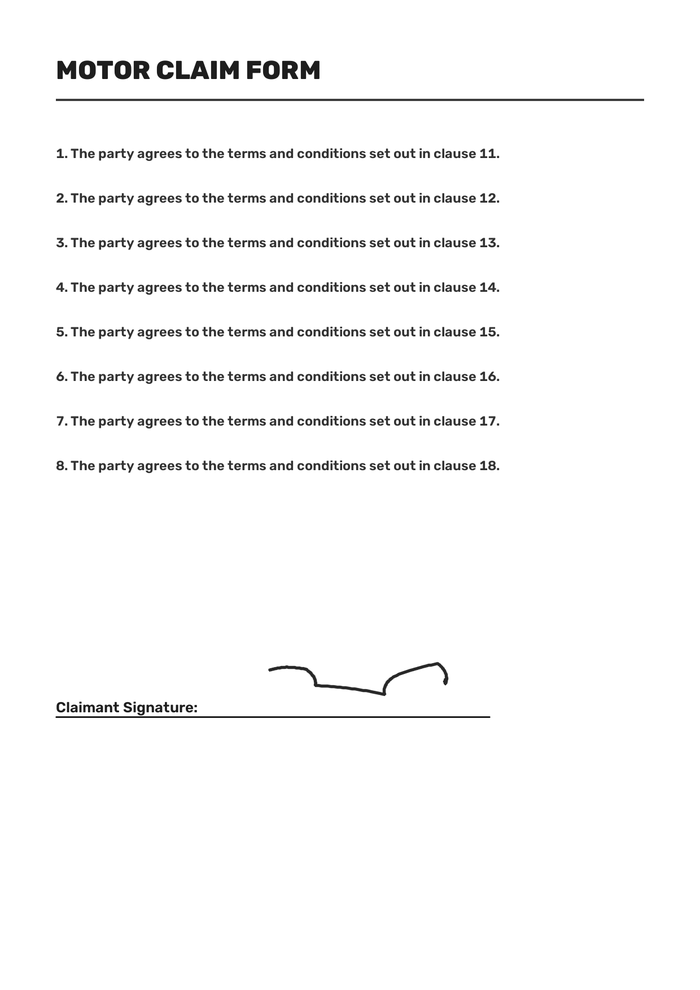 0Fail
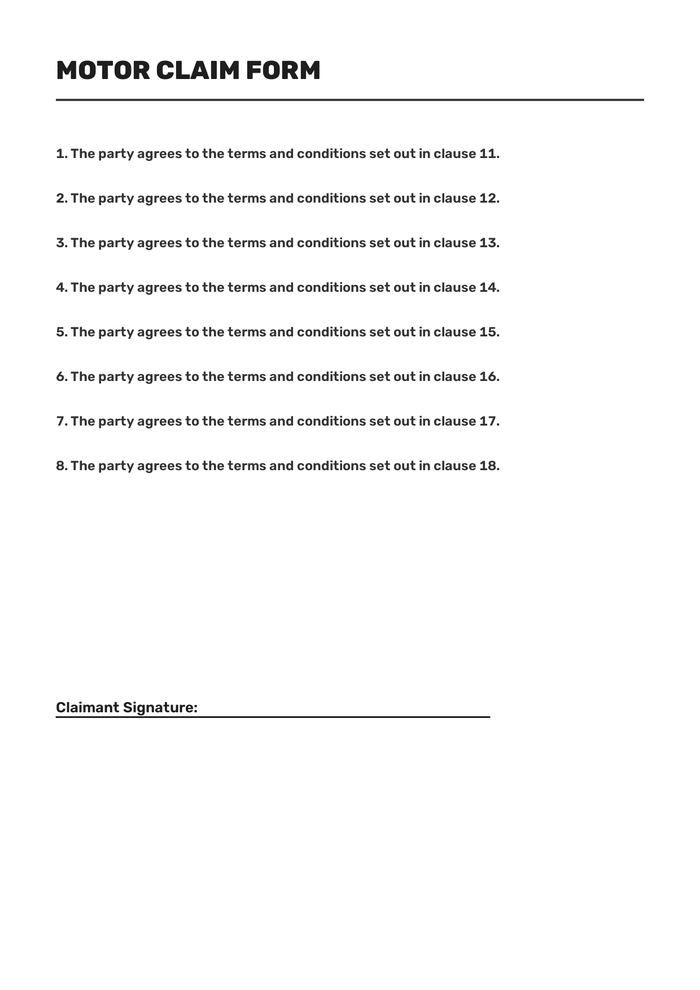 —Fail
Batches and the bucket inbox
Submit up to 500 documents at once, through the API or the Batches page, with an optional CSV of files, people and reference numbers. They run in the background and carry on after a restart.
- Live progress, results table, CSV download, retry and cancel
- A file that cannot be read never stops the rest of the batch
- Drop files in a storage bucket folder and they verify automatically
- Done files move to
processed/orfailed/
Everything happens on your machine. Nothing leaves your network.
Documents, comparisons, field checks and the AI document check all run locally. A hosted model is used only if you choose one, and your acceptance is written to the audit log.
- Field checks read ID numbers, names and dates with OCR on your server
- Documents live in your own storage: server disk or your S3 or Cloudflare R2 bucket
- The interactive API docs are served locally, with no CDN
- Zero-retention mode and retention rules for what you do keep
- Cloud AI can be forbidden for the whole platform by a Super Admin
One call. A result you can act on.
Everything in the web app is available over the API. Send the reference, the document and your options; get JSON back, with a PDF report if you ask for it.
POST /api/v1/verificationsfor one document,/packagesfor several against one ID- API keys with scopes and expiry, per workspace
- Per-request mode and thresholds
options.ai_checkandoptions.field_checkscan be switched off- The API helper in the app builds and sends the real call for you
- Interactive docs at
/docs, served by your own server
Examples are illustrative. The real shapes are in the interactive API docs of your installation.
When the machine is unsure, a person decides.
Grey-zone results land in a review queue with everything a reviewer needs. Every step is audited.
Keyboard first
Reviewers fly through the queue with shortcuts.
Press the keys on your keyboard. They light up.
Cross-checks and pre-flight
- ID number, name and dates are read locally and compared; a clear mismatch sends a PASS to review
- Blur, glare, shadow, dark or small images and cut-off signatures are caught as the file is added
- Copy and re-use detection, a watchlist of known forgers and drift tracking
Tenants, roles and a record of everything.
Multi-tenant from the start: agencies, companies and workspaces, with seven roles and a tamper-evident audit log.
Security
- Two-factor authentication and sessions
- Password policy and lockout
- IP allow-list
- API key scopes and expiry
Compliance
- Hash-chained, tamper-evident audit log
- Consent records and withdrawal
- Legal holds and data retention
- Export and erasure of a person’s data
Governance
- Maker-checker publishing
- Map export, import and template gallery
- Shadow and canary rollouts
- Bulk tests and a threshold simulator
Wherever a signature has to be trusted.
Insurance claims
Check the claimant on a claim form against their ID, in any page order and at any scan quality.
Banking and lending
Verify mandates, cheques and loan papers against signatures on file.
Contracts and HR
Multi-signer agreements with one decision per signer and a clear overall result.
Government and public services
Bilingual forms, right-to-left interface and data that never leaves your premises.
Good questions.
Demo · quick prototype
Let’s verify your signatures.
Book a demo, or ask for a quick prototype: we set up a private test page with your document types so you can try real documents yourself. It keeps nothing and deletes reports after five minutes.
- A walk-through of maps, modes, batches and the API
- A prototype you can test with your own samples
- Password-protected, IP-restricted and rate-limited test pages
- Zero retention during the test
Write to hello@krri.sh